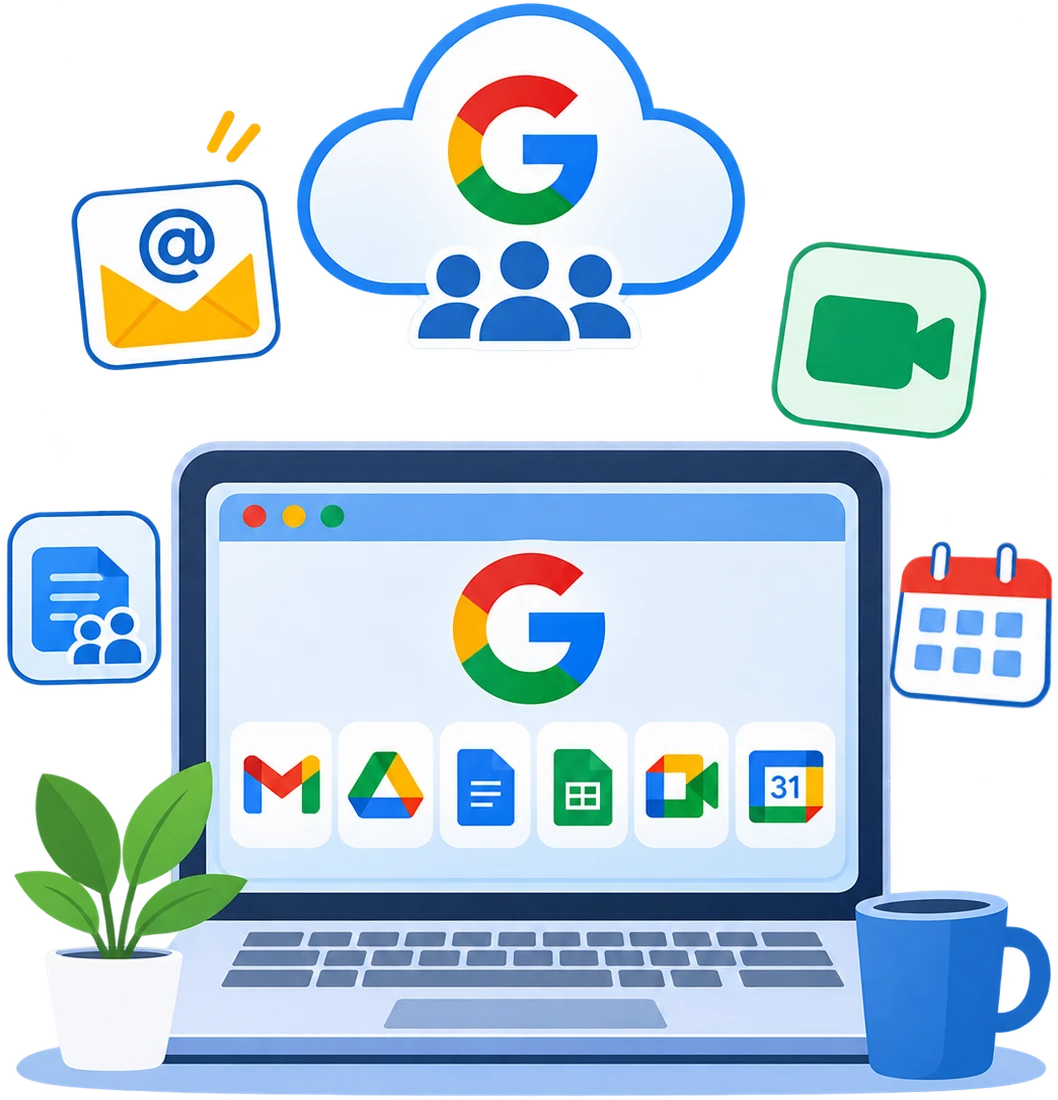
This Subscription gives businesses easy-to-use tools like Gmail, Docs, Drive, and Meet to help teams work together smoothly. It is designed for companies, offering secure storage, easy management, and the ability to grow as needed.
Business Starter, Business Standard and Business Plus plans can be purchased for a maximum of 300 users. There is no minimum or maximum user limit for Enterprise plans.
Google Workspace customers may have access to additional features for a limited promotional period.
* Offer available to new Google Workspace customers only. This introductory price is only available for the first 20 users added, for 12 months. Standard pricing will apply to all users after 12 months. Actual price per user may vary by up to ~0.01% due to rounding. Final price will be shown before completing sign-up.
**Google Workspace provides flexible pooled storage per user that is shared across the organisation. Visit our Help Centre to learn more about getting additional storage for your organisation.
Google Workspace is a collection of cloud-based productivity and collaboration tools developed by Google for businesses, organizations and teams.
It brings professional business email, online document editing, file storage, video meetings, calendars and team collaboration tools together in one ecosystem.
Businesses can use Google Workspace to communicate with customers, organize internal work, collaborate on documents and access work files across supported devices.
Depending on the selected subscription plan, Google Workspace can provide access to the following cloud-based productivity and collaboration tools.

Professional business email using your company domain.

Cloud file storage for storing, organizing and sharing business documents.

Video meetings for team discussions, client calls and online collaboration.

Scheduling for meetings, appointments, reminders and shared team calendars.

Team communication for day-to-day business conversations and collaboration.

Online document creation for proposals, reports and business content.

Spreadsheets for data, budgets, inventory and business records.

Presentations for meetings, proposals, training and internal discussions.

Online forms for collecting information, requests and responses.

Centralized account administration for users, services and settings.
The exact features, storage allowances and service limits depend on the subscription plan.
View Google Workspace PlansBusinesses need reliable tools for communication, file sharing, collaboration and daily operations. Google Workspace brings these activities together through cloud-based applications.
Use Gmail with your company domain to create professional email addresses for your business.
Store, organize and share business documents through Google Drive.
Work together on documents, spreadsheets and presentations without repeatedly exchanging separate file versions.
Use Google Meet for virtual meetings, discussions and team communication.
Manage meetings, appointments and team schedules through Google Calendar.
Access supported Google Workspace applications through compatible computers, tablets and mobile devices.
Manage users, services and available security settings through the Google Admin Console.
Build a professional business identity with Gmail using your company domain. Instead of using a generic personal email address, businesses can communicate with customers through domain-based email accounts.

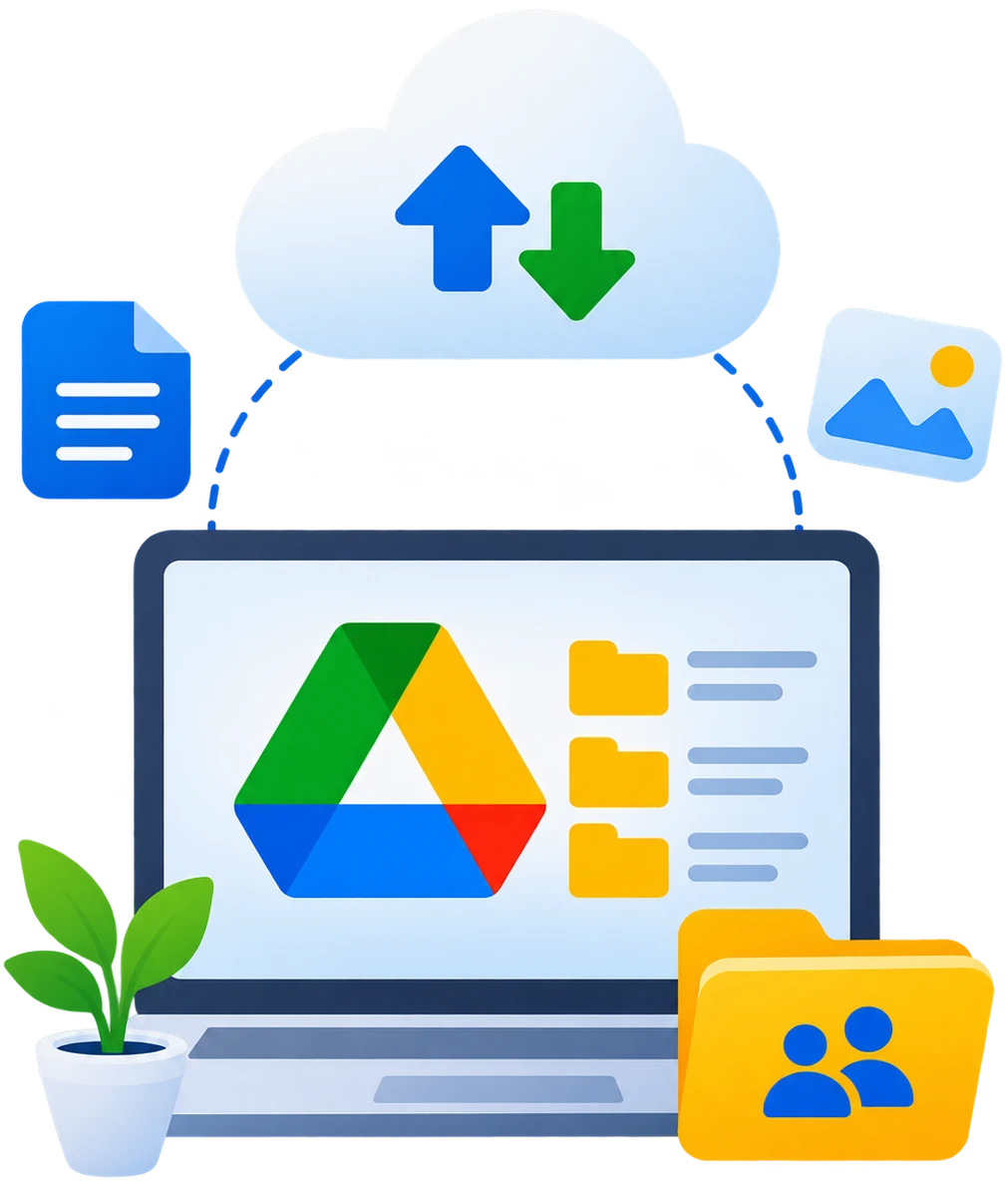
Google Drive provides cloud storage for business documents, images, spreadsheets, presentations and other files.
Google Workspace includes online productivity applications that help teams create, edit and share business documents.
Create proposals, reports, letters, business documents and other written content.
Prepare spreadsheets for sales tracking, budgets, business records, inventory and data management.
Create presentations for meetings, business proposals, training sessions and internal discussions.
Multiple authorized users can collaborate on supported documents, making it easier to review information and work together.
Google Meet helps businesses conduct online meetings, team discussions and virtual appointments. It can support communication between employees, customers, business partners and remote teams.
Meeting capacity, recording availability and other advanced features depend on the Google Workspace subscription.


Google Calendar helps individuals and teams organize their daily schedules. Businesses can use it to manage meetings, appointments, reminders and shared calendars.
When connected with Gmail and Google Meet, Calendar can help simplify everyday meeting management.
Google Admin Console provides centralized administration for Google Workspace accounts. Authorized administrators can manage users, organizational settings, available applications and supported security controls.
The administration options available depend on the subscription edition and administrator permissions.
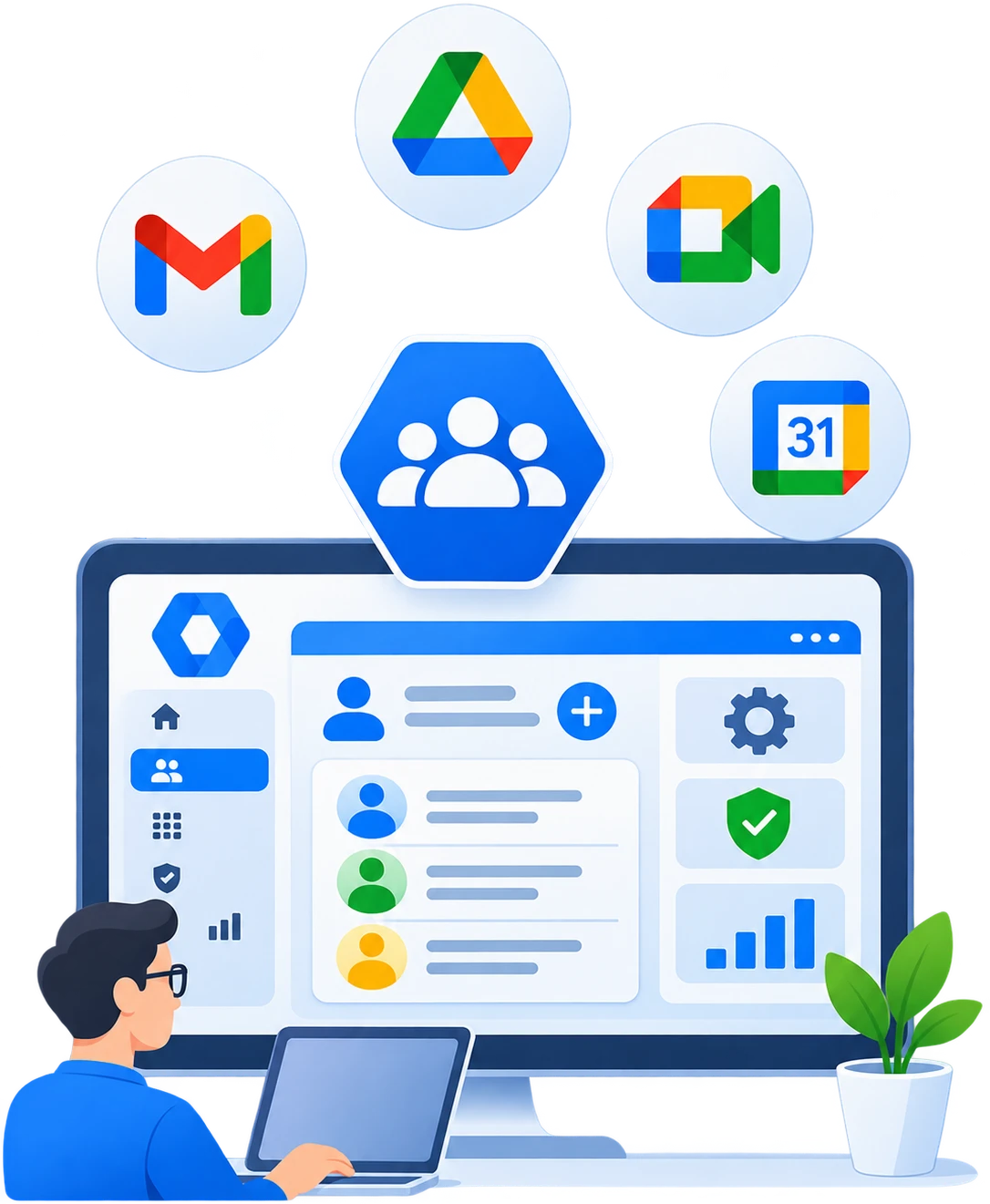
Business communication and files often contain important organizational information. Google Workspace provides administrative and security features designed to help organizations manage access and protect their business environment.
Small businesses often need professional email, file storage and communication tools without managing separate systems for every activity. Google Workspace brings several business productivity applications together.
It can be useful for:
A business can start with the subscription edition that matches its current needs and review its requirements as the team grows.


Startups need communication and collaboration tools that can support changing team requirements. Google Workspace can help startup teams manage business email, shared files, meetings, documents and internal communication.
The appropriate subscription depends on the number of users, storage needs, security requirements and collaboration features required by the business.
Different industries can use Google Workspace for communication, collaboration and everyday business productivity.
Use business email, shared documents, online meetings and file collaboration for daily operations.
Support organizational communication, document sharing, online collaboration and administrative activities.
Use business communication and document collaboration tools according to applicable privacy and data-handling requirements.
Coordinate customer communication, business documents, team schedules and operational records.
Manage business correspondence, reports, spreadsheets and internal collaboration with appropriate access controls.
Coordinate client communication, property-related documents, meetings and team activities.
Collaborate on content, campaign documents, reports, presentations and client communication.
Businesses moving from another email provider may need to transfer existing email data and configure their domain for Google Workspace.
Understand the current email provider, mailboxes and how email is used across the business.
Identify the mailboxes and data that need to be migrated.
Choose an appropriate Google Workspace subscription based on users, storage and required features.
Complete the domain verification process for your business domain.
Configure the required DNS records for Google Workspace email and services.
Plan how existing email data will be transferred according to the source platform and data volume.
Check that email delivery is working correctly in both directions.
Confirm that users can access their accounts and required applications.
Setting up Google Workspace involves more than creating email accounts. Your domain, DNS records, user accounts and administrative settings need to be configured correctly.
Select the Google Workspace edition based on users, storage and required features.
Complete the domain ownership verification process.
Configure the required MX records and other relevant DNS records.
Set up business email accounts for employees and authorized users.
Review administrator permissions, account recovery and available security settings.
Check email delivery and access to the required Google Workspace applications.
Begin using Gmail, Drive, Meet, Calendar and other applications included in your subscription.
Both solutions can provide professional email using your own domain, but their overall capabilities are different.
| Feature | Google Workspace | Basic Business Email Hosting |
|---|---|---|
| Custom domain email |
Yes
|
Yes
|
| Email interface |
Gmail
|
Depends on provider
|
| Cloud storage |
Included according to plan
|
Depends on provider
|
| Online document collaboration |
Google Docs, Sheets and Slides
|
Depends on provider
|
| Video meetings |
Google Meet
|
Depends on provider
|
| Calendar |
Google Calendar
|
Depends on provider
|
| Central administration |
Google Admin Console
|
Depends on provider
|
| Subscription model |
Google Workspace edition
|
Provider-specific plan
|
Google Workspace and Microsoft 365 are business productivity platforms with different applications, interfaces and subscription options.
| Feature | Google Workspace | Microsoft 365 |
|---|---|---|
| Business email |
Gmail
|
Outlook and Exchange services, depending on plan
|
| Cloud storage |
Google Drive
|
OneDrive
|
| Documents |
Google Docs
|
Word
|
| Spreadsheets |
Google Sheets
|
Excel
|
| Presentations |
Google Slides
|
PowerPoint
|
| Online meetings |
Google Meet
|
Microsoft Teams
|
| Administration |
Google Admin Console
|
Microsoft 365 Admin Center
|
Google Workspace pricing depends on the selected subscription edition, billing arrangement, number of users and applicable taxes.
Before selecting a subscription, consider your current team size and the features your business actually needs.
For current subscription options, licensing availability and quotation details, contact Web Samadhan.
Subscription options and pricing are confirmed at the time of quotation.

Businesses across India need professional communication and collaboration tools to manage customers, employees and everyday operations.
Google Workspace provides a connected set of cloud-based applications that can support business email, file sharing, online meetings and team productivity.
Web Samadhan is based in Kolkata and provides web hosting and digital services to businesses across India.
Whether you are a startup, small business or established organization, choose a Google Workspace subscription according to your team size, working style and business requirements.
Discuss Your RequirementsWeb Samadhan started in Kolkata in 2009 as a web hosting and web development company. Over time, the company expanded into a wider range of web-based and digital services.
We understand that businesses need more than just a website. They also need professional communication, online collaboration and suitable digital infrastructure.
Businesses can explore domain registration, website hosting, business email and productivity solutions according to their requirements.
Contact Web Samadhan
Businesses can explore domain registration, website hosting, business email and productivity solutions according to their requirements.

Web Samadhan started in Kolkata in 2009 as a web hosting and web development company. The company has expanded its services to include hosting, domain registration, website development and other digital solutions.
Don't just take our word for it - hear from the businesses that trust us to build, grow, and scale their digital presence.
"I was facing multiple issues with my old website and that is when I discovered Web Samadhan. They resolved all the problems and helped me with marketing - my customer acquisition has grown steadily since."

"The team understood our vision from day one. Delivered ahead of schedule, kept us informed at every step, and the results speak for themselves. Highly recommended."

"Web Samadhan helped us move our website to a reliable hosting environment and supported us throughout the setup. The team is responsive and easy to work with."
"I was facing multiple issues with my old website and that is when I discovered Web Samadhan. They resolved all the problems and helped me with marketing - my customer acquisition has grown steadily since."
"The team understood our vision from day one. Delivered ahead of schedule, kept us informed at every step, and the results speak for themselves. Highly recommended."
"Web Samadhan helped us move our website to a reliable hosting environment and supported us throughout the setup. The team is responsive and easy to work with."
Common questions about business email, applications, migration, plans and Google Workspace pricing in India.
Google Workspace is a collection of cloud-based business applications that includes Gmail, Google Drive, Google Meet, Google Calendar, Docs, Sheets and other productivity tools.
Businesses use Google Workspace for professional email, file storage, document creation, online meetings, scheduling and team collaboration.
Yes. Google Workspace allows businesses to use Gmail with a custom domain, such as info@yourcompany.com, subject to domain verification and subscription requirements.
Yes. Google Workspace offers subscription options for different business requirements. Small businesses can choose an edition based on their users, storage needs and required features.
Google Workspace can include Gmail, Google Drive, Google Meet, Calendar, Docs, Sheets, Slides, Forms, Chat and administrative tools. Exact availability depends on the selected subscription.
Yes. Google Workspace subscriptions include cloud storage according to the selected edition and applicable storage policies.
Yes. Existing email data may be migrated from a compatible email provider. The process depends on the source platform, data volume and migration method.
Yes. Supported Google Workspace applications can be accessed through compatible Android and iOS devices.
Personal Gmail is designed for individual email use. Google Workspace provides business-oriented services, including custom domain email, administration and collaboration tools.
Google Workspace uses Gmail, Drive, Docs, Sheets and Meet, while Microsoft 365 uses applications such as Outlook, OneDrive, Word, Excel, PowerPoint and Teams. The right platform depends on your business workflow and preferences.
Yes. You can generally use an existing domain after completing the required domain verification and DNS configuration.
Yes. Google Workspace provides Gmail-based business email using a custom domain.
The number of user accounts depends on your subscription and the number of licences purchased. Each user generally requires an appropriate licence.
Pricing depends on the subscription edition, billing arrangement, number of users and applicable taxes. Contact Web Samadhan for current subscription and quotation information.
Google provides security and administration features for Workspace. However, businesses should configure appropriate security controls, user permissions and account protection settings according to their requirements.