SSL certificate plans offer security solutions to protect your website and user data. These plans ensure safe, encrypted connections, boosting trust and improving your website's ranking on search engines.
An SSL certificate is a digital certificate that helps establish an encrypted connection between a website and a visitor browser.
Modern websites generally use TLS (Transport Layer Security) for this encryption, although the term SSL certificate remains widely used.
When an SSL certificate is correctly installed, your website can use:
HTTPS://yourwebsite.com
instead of:
HTTP://yourwebsite.com
HTTPS helps protect information while it travels between the visitor and your website.
Get SSL Certificate
An SSL/TLS certificate allows your website to use HTTPS when correctly configured.
HTTPS helps protect information exchanged between the browser and website from being read or modified during transmission.
Browsers use security indicators and certificate information to help users understand whether a website connection is encrypted.
Websites that collect forms, login details or other information benefit from encrypted connections.
Ecommerce websites handle customer and transaction-related information, making HTTPS an important part of a secure website setup.
A simplified SSL/TLS connection works through several steps:
A user enters your website address using HTTPS.
The web server provides its SSL/TLS certificate to the browser.
The browser checks relevant certificate information, including the domain and certificate validity.
The browser and server establish an encrypted connection.
Information transmitted through the HTTPS connection is encrypted during transit. This process happens automatically when SSL/TLS is correctly configured.
Depending on the SSL certificate selected, features may include:
The exact features, validation method, warranty and supported domains depend on the SSL certificate product.
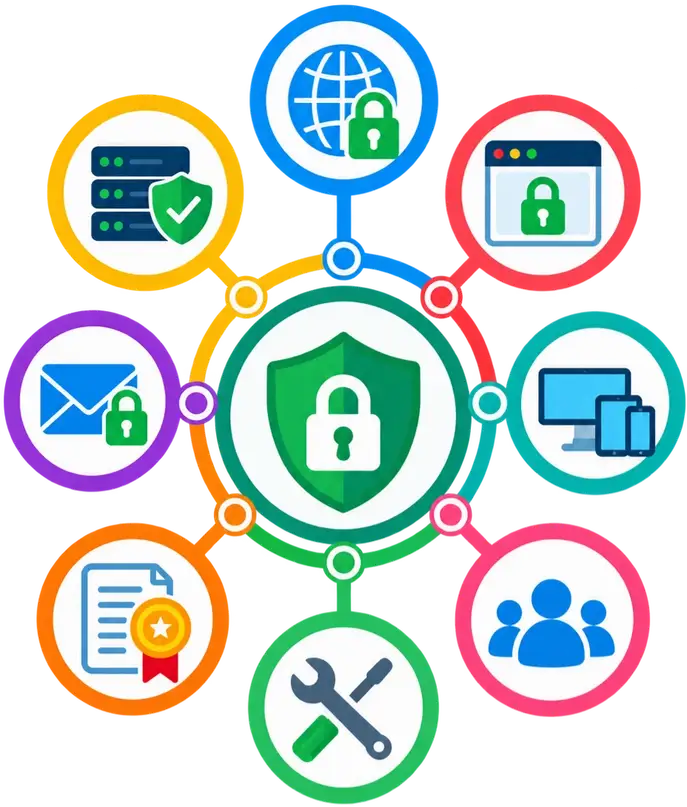
SSL certificates can be available in different validation and coverage options.
Domain Validation (DV) certificates verify control over the domain.
DV certificates can be suitable for:
Organisation Validation (OV) certificates involve additional organisation verification.
They can be considered by organisations that want a certificate with organisation identity information.
Extended Validation (EV) certificates involve a more extensive validation process.
Businesses should select EV only when its additional validation requirements and intended trust use case justify the choice.
A business website should use HTTPS whether it is a simple company website or a larger web application.
SSL can be important for websites with:
HTTPS is now a standard part of modern website infrastructure.
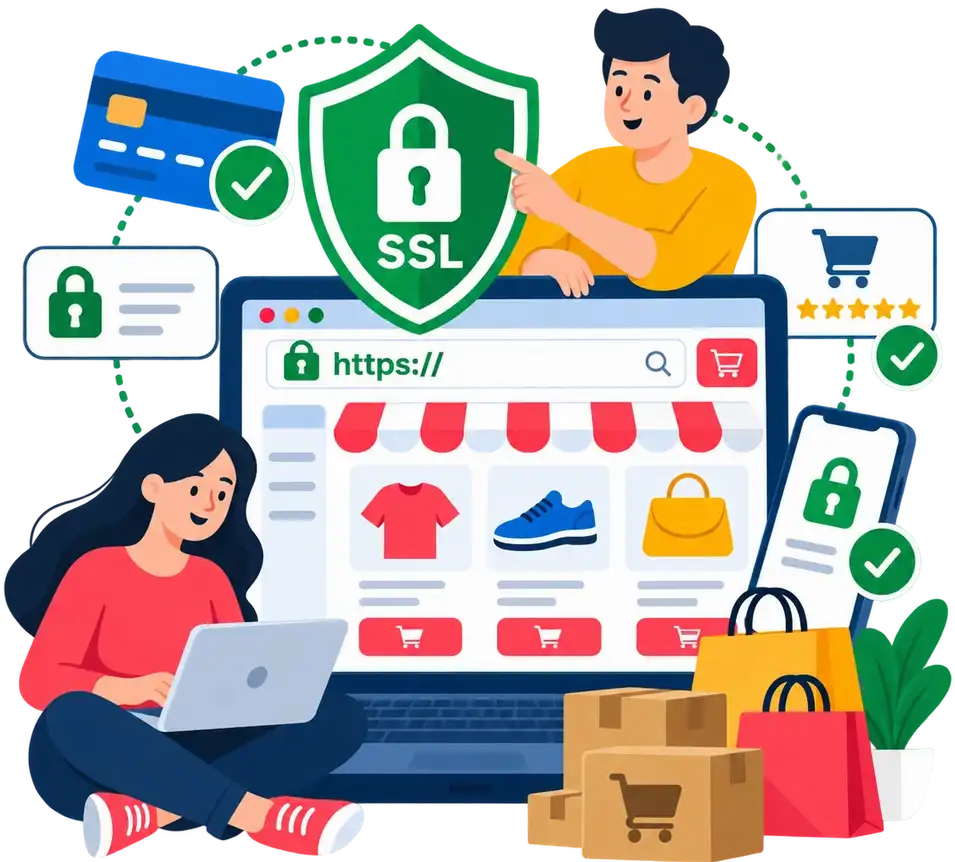
Ecommerce websites handle customer interactions and may process sensitive information.
An ecommerce website should use HTTPS across relevant pages and ensure that all website resources are loaded securely.
SSL/TLS helps protect data in transit between customers and the website.
However, SSL alone does not make an ecommerce website completely secure.
A secure ecommerce setup should also consider:

WordPress websites should use HTTPS to provide a secure connection to visitors.
After installing an SSL certificate, the website should be correctly configured so that:
Web Samadhan also provides WordPress Hosting for businesses using WordPress.
HTTPS is one part of modern website technical infrastructure and is used as a ranking signal by Google.
However, installing an SSL certificate does not guarantee higher search rankings.
SEO performance also depends on:
For businesses looking for broader search optimisation, Web Samadhan also provides SEO Services.
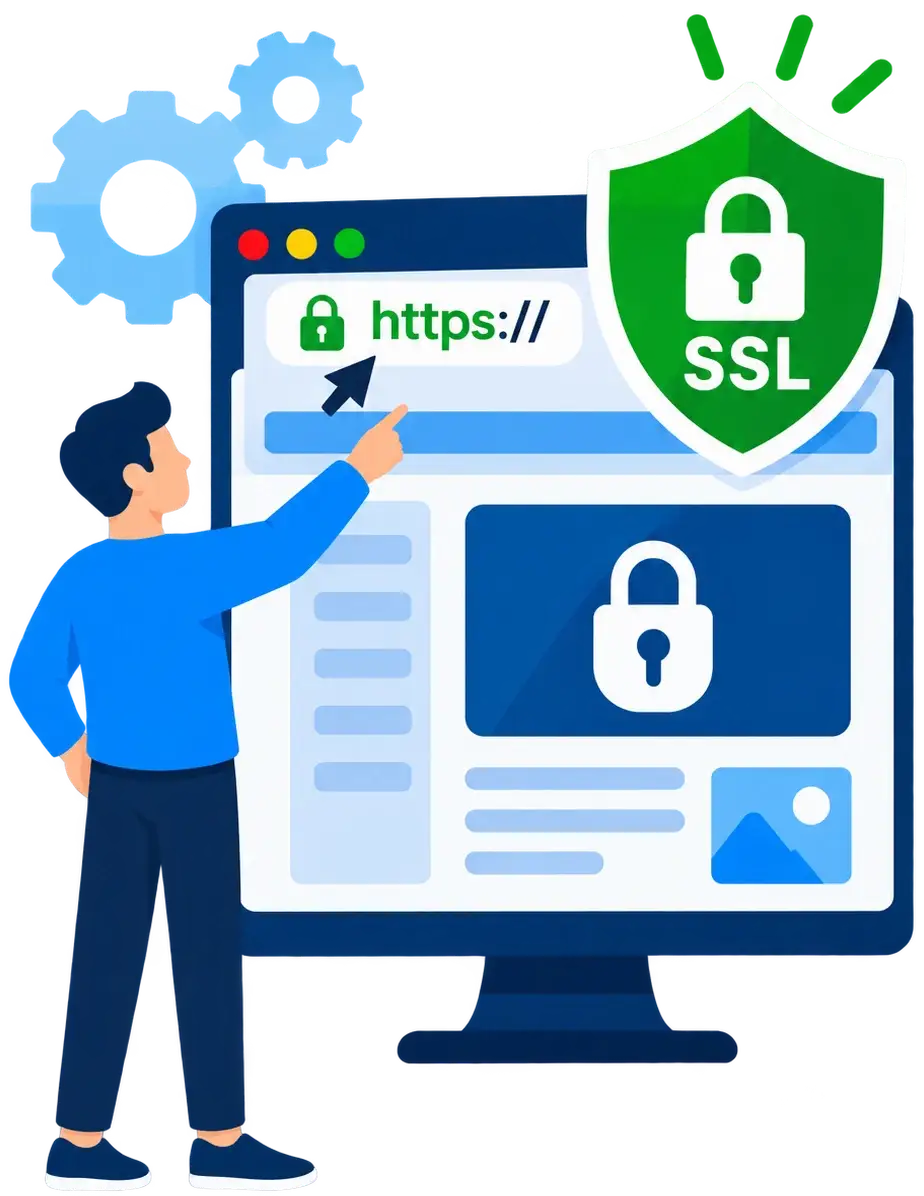
Buying an SSL certificate is only one part of the process. The certificate must also be correctly installed and configured on the web server. A typical installation process includes:
Choose DV, OV, Wildcard or another type based on your domains.
Prove control over the domain to the certificate authority.
Create the Certificate Signing Request on your server.
Finish the required DV, OV or EV validation checks.
Download the issued certificate files.
Upload the certificate to your hosting environment.
Point the server configuration to the new certificate.
Serve the website over HTTPS.
Check that pages load securely without warnings.
Fix HTTP resources, redirects and coverage gaps.
The exact process depends on the hosting environment and certificate type.
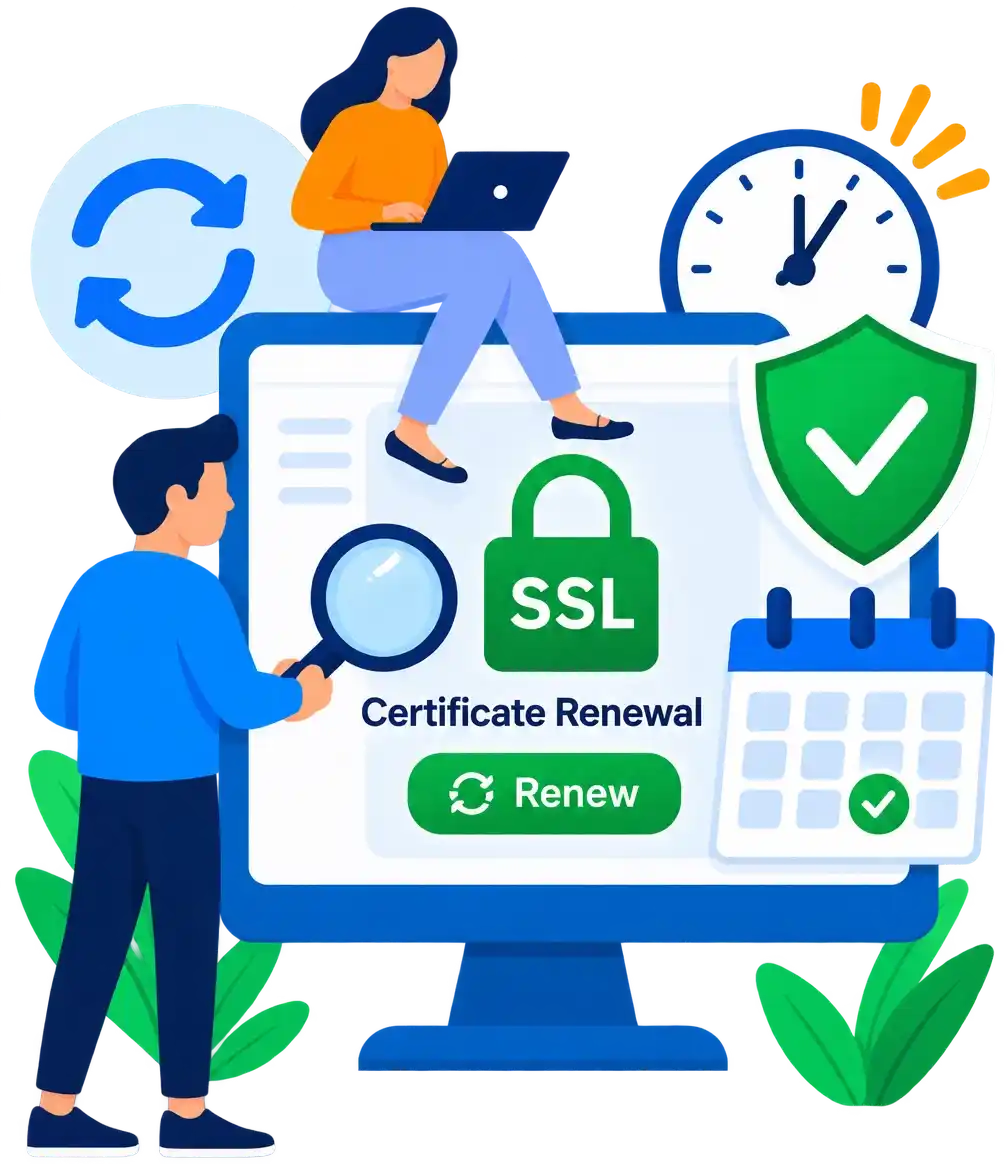
SSL certificates have a defined validity period and must be renewed before expiration.
Businesses should monitor certificate expiry dates to avoid website security warnings or service disruption.
A good SSL management process should include:
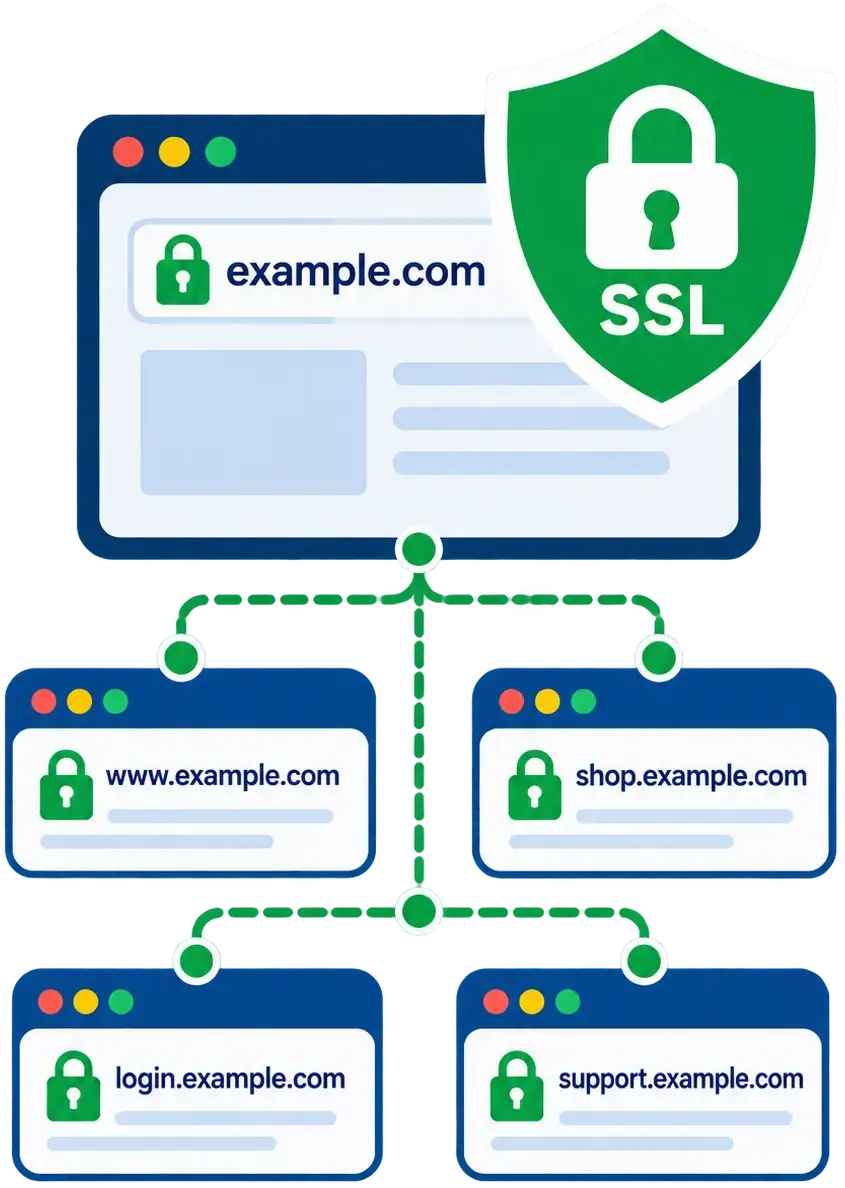
Depending on the certificate type, SSL coverage can be configured for specific domains or multiple subdomains.
For example:
A Wildcard SSL certificate can cover a domain and its eligible subdomains according to the certificate rules.
The appropriate certificate depends on your domain structure and requirements.
| Feature | Wildcard SSL | Single Domain SSL |
|---|---|---|
| Main Domain |
Supported
|
Supported
|
| Subdomains |
Supports eligible subdomains
|
Usually requires separate coverage
|
| Suitable For |
Websites using multiple subdomains
|
One website/domain
|
| Management |
Useful for multiple subdomains
|
Simple
|
Always check the certificate coverage before purchase.
Technically, modern HTTPS connections use TLS, not the old SSL protocols. However, the term SSL certificate continues to be widely used for digital certificates used with HTTPS.
| Feature | SSL Certificate | TLS |
|---|---|---|
| What it is |
Common industry term
|
Modern security protocol used for encrypted connections
|
| Protocol family |
Older protocol family
|
Modern protocol used to secure HTTPS connections
|
| Used for |
Website security certificates
|
TLS-secured HTTPS connections
|
When buying an SSL certificate today, you are generally obtaining a certificate used for a TLS-secured HTTPS connection.
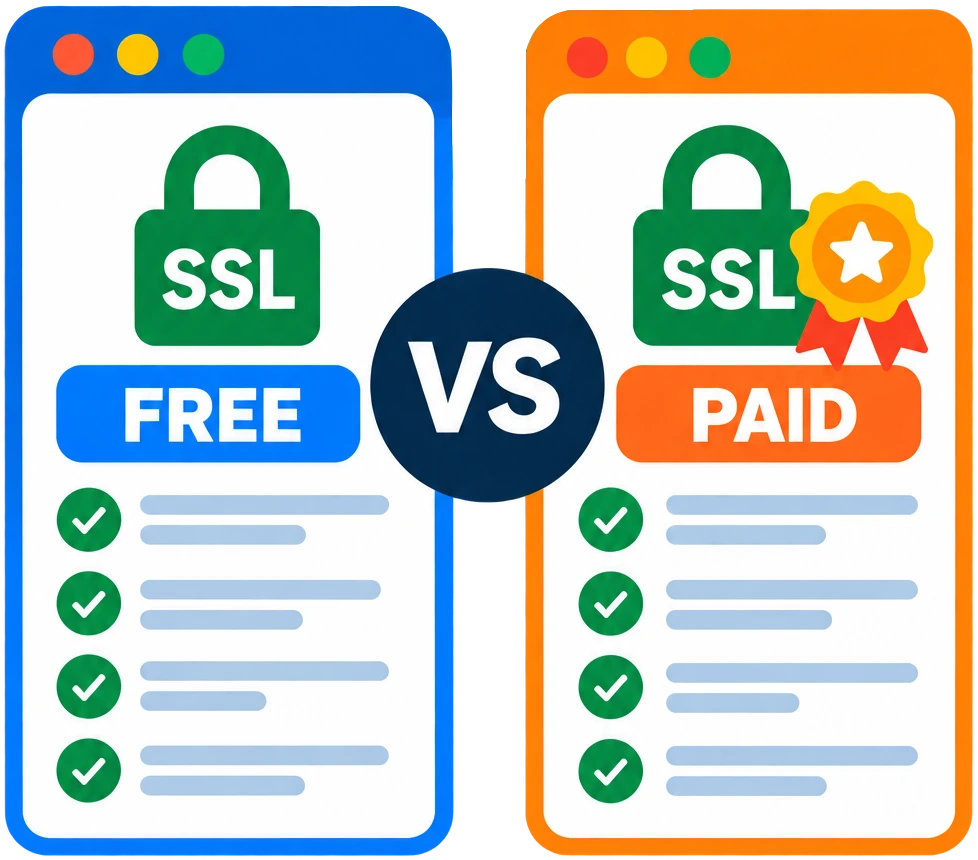
Free and paid SSL certificates can both provide HTTPS encryption when properly issued and installed.
The difference may involve:
For a basic website, a suitable free certificate may be sufficient. Businesses with specific validation, support or coverage requirements may consider a paid certificate.
The right choice depends on the website and business requirements.
Before buying an SSL certificate, consider:
Determine whether you need SSL for one domain, multiple domains or subdomains.

Choose DV, OV or another certificate type based on your business requirements.
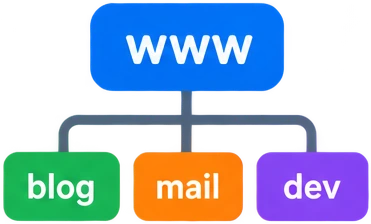
If your website uses multiple subdomains, consider whether Wildcard coverage is appropriate.
Make sure the certificate is compatible with your hosting or server environment.

Consider whether you need assistance with certificate installation and renewal.

Choose a certificate management process that makes renewal easy to handle before expiry.
Installing a certificate does not always mean the website is correctly configured. Common issues include:
Some website resources may still load through HTTP after HTTPS is enabled.
HTTP and HTTPS versions may not redirect correctly.
An expired certificate can cause browser security warnings.
The certificate may not cover the exact domain being accessed.
The certificate may be installed incorrectly or the server may not be configured to use it properly.
Regular HTTPS testing can help identify these problems.
An SSL/TLS certificate helps protect data in transit between a website and visitor.
It does not automatically protect a website from:
Website security requires multiple layers of protection.
This distinction is important because HTTPS should be considered one part of an overall website security strategy.
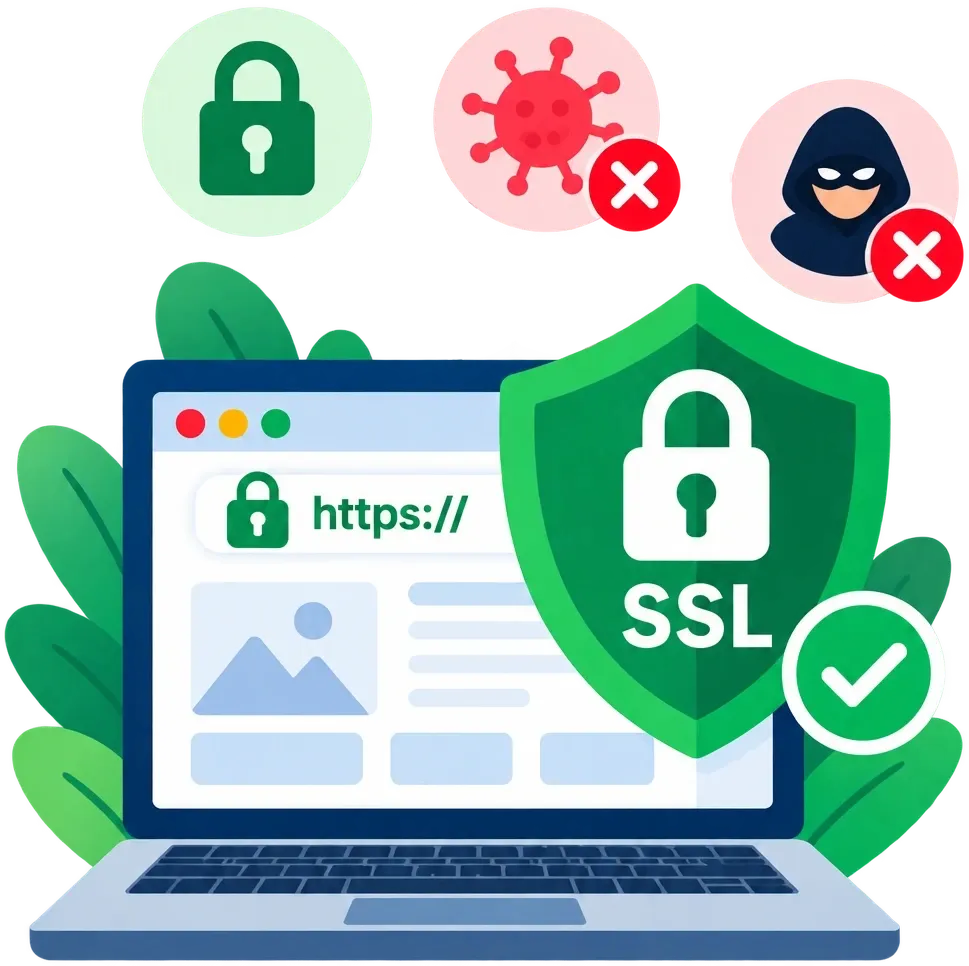
SSL works together with your web hosting environment. Whether you use Linux Hosting, Windows Hosting, WordPress Hosting, VPS, VDS or Dedicated Server, the SSL certificate must be correctly installed and configured for the relevant website or server.
Web Samadhan is a Kolkata-based web hosting and web services company serving businesses across India.
Since 2009, Web Samadhan has provided web hosting and web-based services for businesses, organisations and professionals.
SSL is part of our wider website infrastructure services, alongside domain registration, web hosting, business email, website development and digital marketing services.
Web Samadhan provides domain, hosting and digital services from Kolkata for customers across India.
Businesses can manage related requirements such as:
This can simplify the management of website infrastructure when multiple services are required.
Contact Us
SSL/TLS is relevant for almost every modern website, especially:
Company websites that collect enquiries and customer details.

Online stores handling customer and transaction information.
WordPress sites with logins, forms and user interactions.
Sites where users sign in to accounts.
Portals showing personal or account information.
Applications exchanging data with browsers.

Sites with member accounts and profiles.
Stores processing orders and payments.

School, course and learning platforms.
Clinics and health service websites.

Consultants, agencies and service firms.
If your website is publicly accessible, HTTPS should generally be part of your website setup.
Don't just take our word for it - hear from the businesses that trust us to build, grow, and scale their digital presence.
"I was facing multiple issues with my old website and that is when I discovered Web Samadhan. They resolved all the problems and helped me with marketing - my customer acquisition has grown steadily since."

"The team understood our vision from day one. Delivered ahead of schedule, kept us informed at every step, and the results speak for themselves. Highly recommended."

"I was facing multiple issues with my old website and that is when I discovered Web Samadhan. They resolved all the problems and helped me with marketing - my customer acquisition has grown steadily since."
"The team understood our vision from day one. Delivered ahead of schedule, kept us informed at every step, and the results speak for themselves. Highly recommended."
"I was facing multiple issues with my old website and that is when I discovered Web Samadhan. They resolved all the problems and helped me with marketing - my customer acquisition has grown steadily since."
Don't just take our word for it - hear from the businesses that trust us to build, grow, and scale their digital presence.
An SSL certificate is a digital certificate used with TLS to help establish an encrypted HTTPS connection between a website and visitor browser.
No. SSL/TLS protects data in transit, but complete website security requires additional measures such as secure software, access controls, updates, backups and server security.
HTTPS is a ranking signal, but an SSL certificate does not guarantee higher search rankings. Search performance depends on many other factors.
Yes. WordPress websites should generally use HTTPS, especially when handling logins, forms or other user interactions.
TLS is the modern protocol used to secure HTTPS connections. SSL is the older protocol family, but the term SSL certificate remains commonly used for website security certificates.
A Wildcard SSL certificate can provide coverage for a domain and eligible subdomains according to the certificate terms.
The validity period depends on the certificate and current certificate authority requirements. Certificates need to be renewed before expiry.
Yes. SSL/TLS certificates can be installed on VPS and VDS servers when the server environment supports the required configuration.
In many cases, a certificate can be reinstalled on another server using the required certificate and private key files, subject to the certificate provider and server configuration.
An expired certificate can cause browser security warnings and may prevent visitors from accessing the website normally.