
Full Technical Support | FIXED Monthly Billing | No Credit Card Required | No Hidden / Extra Cost
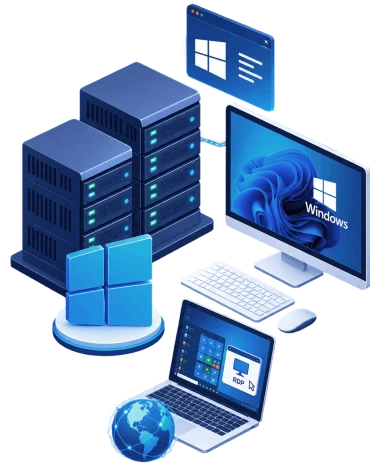
Windows VPS hosting provides a virtual private server environment running a Windows operating system.
Instead of sharing the same hosting environment with many websites, a VPS provides allocated server resources such as CPU, RAM and storage within a virtualized environment.
Windows VPS hosting is particularly useful for websites and applications that require a Windows-based server environment or technologies commonly used with Windows servers.
It can be used for business websites, ASP.NET applications, database-driven applications, Windows software, development environments and other compatible workloads.
Choose a Windows VPS plan according to your website traffic, application requirements, database usage and expected growth.
| Plan | CPU | RAM | Disk Space | Bandwidth | Dedicated IP | Free Consultation |
|---|---|---|---|---|---|---|
| Cloud VPS1 2 GB RAM
|
1 Core
|
2 GB
|
50 GB
|
Unlimited
|
1 IP
|
|
| Cloud VPS2 4 GB RAM
|
2 Cores
|
4 GB
|
75 GB
|
Unlimited
|
1 IP
|
|
| Cloud VPS3 6 GB RAM
|
2 Cores
|
6 GB
|
100 GB
|
Unlimited
|
1 IP
|
|
| Cloud VPS4 8 GB RAM
|
3 Cores
|
8 GB
|
150 GB
|
Unlimited
|
1 IP
|
|
| Cloud VPS5 12 GB RAM
|
3 Cores
|
12 GB
|
200 GB
|
Unlimited
|
1 IP
|
|
| Cloud VPS6 16 GB RAM
|
4 Cores
|
16 GB
|
300 GB
|
Unlimited
|
1 IP
|
Note: GST at 18% is additional. Pricing should remain dynamically synchronized with the billing system. Additional bandwidth and additional IP options are available on request.
Not sure which Windows VPS plan you need? Contact Web Samadhan with your application requirements and our team will help you choose a configuration.
Windows VPS hosting can be a practical choice when shared Windows hosting does not provide the server control, resources or flexibility required by your application.
Choose a VPS configuration with dedicated RAM and allocated CPU resources based on your workload.
A Windows VPS provides a Windows-based server environment for applications that require Windows compatibility.
Full root or administrator-level access gives technical users greater control over server configuration and software installation.
KVM virtualization provides an isolated virtual machine environment with allocated resources.
Each current Windows VPS plan includes one dedicated IP address.
You can choose a VPS configuration according to your CPU, RAM, storage and bandwidth requirements.
Web Samadhan Windows VPS plans include the core resources required for hosting websites and applications on a Windows-based virtual server.

Choose between 2 GB and 16 GB of dedicated RAM based on your application workload.

Each plan includes allocated CPU cores for consistent server performance.

Dedicated storage for website files, databases, applications and logs.

Each current Windows VPS plan includes one dedicated IP address.
KVM provides an isolated virtual machine environment with allocated resources.

High speed network connectivity for data transfer and application access.

Network uptime commitment for reliable server accessibility.

Administrator-level access to start, stop, rebuild and manage the VPS.
A Windows-based virtual server environment for compatible applications.

Standard and Premium VPS management options are currently available.

Plesk is available as an optional control panel for the Windows VPS.

SolidCP is listed as a free control panel option on the current Windows VPS page.
Additional bandwidth options are available for higher data transfer requirements.
Additional IP addresses are listed as an optional VPS add-on at an additional monthly cost.
Our implemented security features are Firewall, Malware protection, Server hardening, SSL, DDoS protection, Access control, OS updates, Backup, Monitoring.
 Backup & Disaster Recovery
We maintain regular backups with a defined retention period and secure backup storage to help protect your website files and databases. Our backup process covers essential website and database data, helping reduce the risk of data loss due to unexpected server issues. If a restore is required, our technical team can assist with the recovery process, with any applicable restore charges communicated clearly in advance.










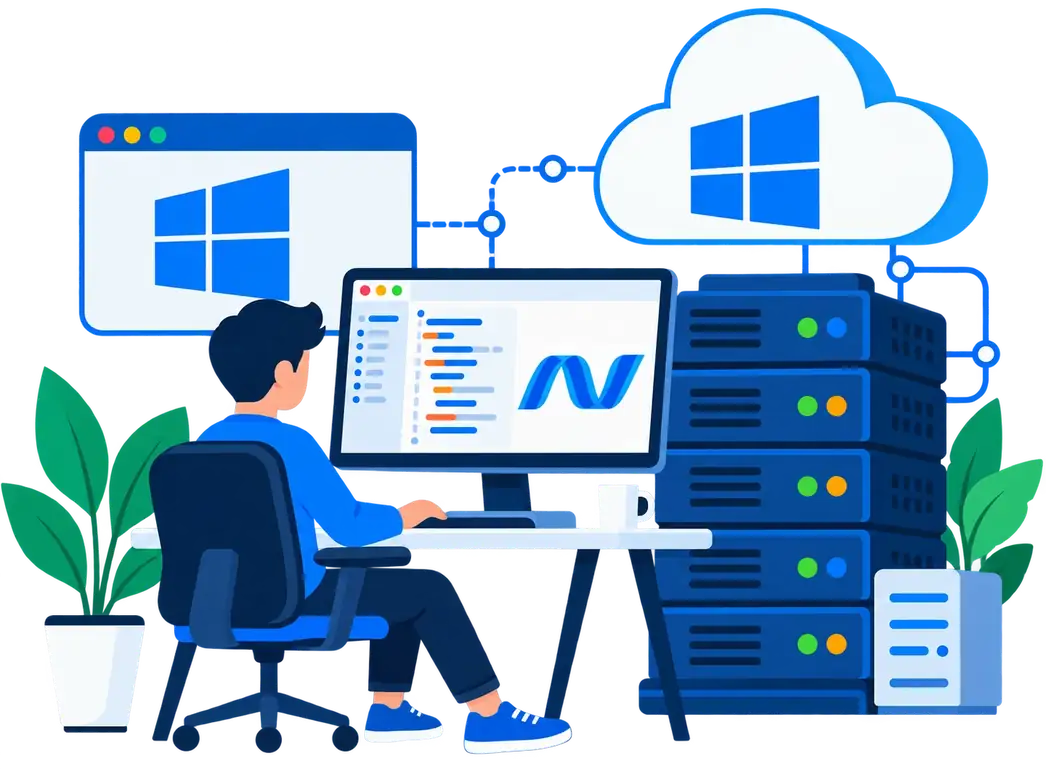

Windows-based applications often work with Microsoft SQL Server and other database systems.
The actual MSSQL licensing, installation, version support and management requirements should be confirmed before deployment.
This is important because Windows VPS hosting and MSSQL licensing are separate considerations.
A Windows VPS can be managed remotely using Remote Desktop Protocol or other supported remote administration methods.

The current Windows VPS page lists full root access as a VPS feature and describes server actions such as starting, stopping and rebuilding the VPS.
Administrator-level server access can provide greater flexibility for technical users. Depending on the operating system and server configuration, administrators can:
Note: This level of access is best suited to users with Windows Server administration experience or businesses with technical support.
Talk to a VPS ExpertThe current Windows VPS plans use KVM virtualization.
KVM allows the VPS to operate as an independent virtual machine with its own operating system and allocated resources.
For Windows VPS users, this provides a dedicated virtual server environment rather than a standard shared Windows hosting account.


RAM is an important consideration when running Windows applications because the operating system itself requires memory along with your website, application, database and other services.
Web Samadhan currently offers Windows VPS configurations from 2 GB to 16 GB dedicated RAM.
A smaller business application may work with a lower-resource VPS, while applications running databases, multiple services or more concurrent users may require a higher RAM configuration.
The correct choice should be based on actual application requirements rather than RAM alone.
Each current Windows VPS plan includes one dedicated IP address.
Note: Additional IP addresses are listed as an optional VPS add-on at an additional monthly cost.

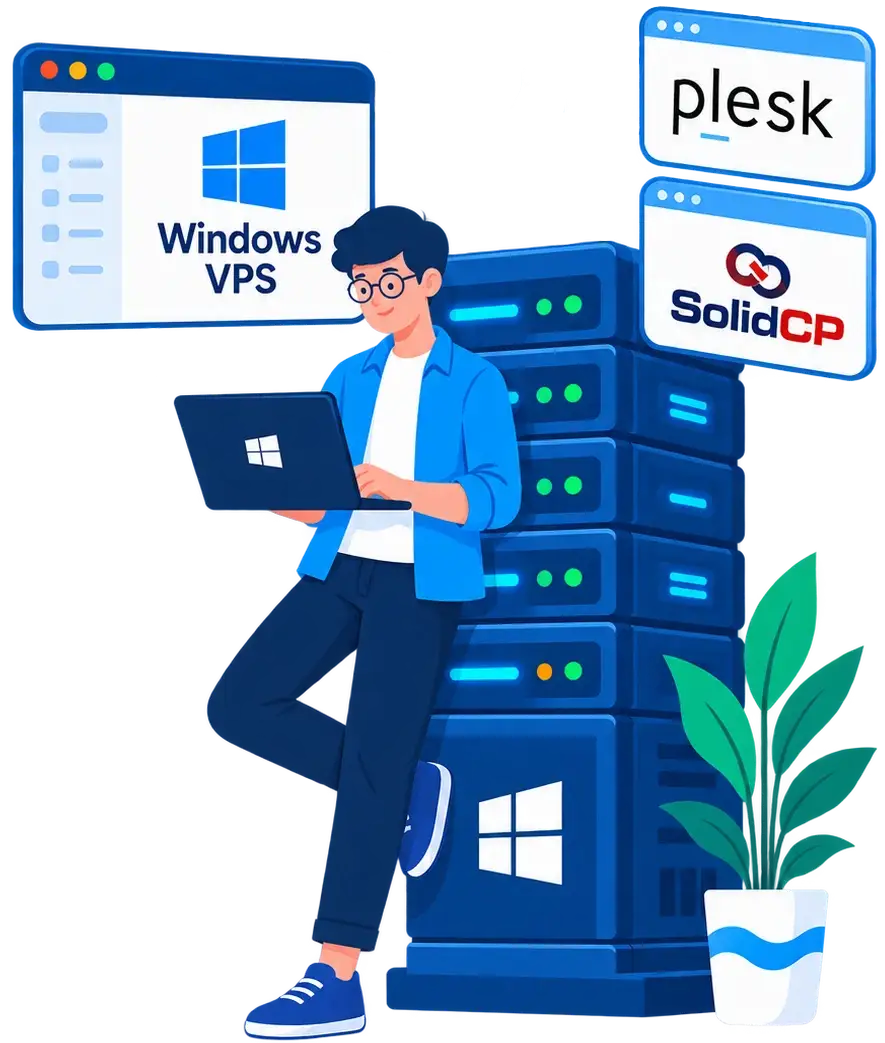
A control panel can simplify website and hosting management on a Windows VPS. Web Samadhan currently lists Plesk and SolidCP as control panel options.
Plesk provides a graphical management environment for websites, domains, email and other hosting tasks.
SolidCP is listed as a free control panel option on the current Windows VPS page.
The current Plesk options listed are:
The exact pricing and included features should be kept synchronized with the current billing system.
Ask About Control Panel SetupNot every Windows VPS customer wants to manage every server task independently. Web Samadhan currently lists three management levels.
| Management Level | Price | Best For | Description |
|---|---|---|---|
|
Self Managed
|
Free
|
Developers & System Administrators
|
Suitable for developers and system administrators who manage the VPS themselves.
|
|
Standard Management
|
Free
|
Businesses needing basic assistance
|
Suitable for businesses needing basic assistance with common server tasks.
|
|
Premium Management
|
Rs 3,000/month + GST
|
Additional management & support
|
Suitable for businesses requiring additional server management and support.
|
The exact scope of each management level should be clearly documented on the page before publishing. Contact Web Samadhan to confirm what is included in each option.

A business website may need Windows VPS hosting when it depends on Windows-specific technologies or requires more server resources and control than shared hosting provides.
For a simple company website without Windows-specific requirements, standard web hosting may be sufficient.
Ecommerce websites can have higher resource requirements because of product catalogs, databases, customer sessions, payment integrations and concurrent visitors.
The VPS configuration should be selected based on actual application requirements rather than ecommerce status alone.

Consider Windows VPS hosting when:
A VPS is not automatically necessary for every Windows website. Smaller websites may continue to work well with Windows shared hosting.
Compare shared and virtual private server environments to decide which Windows hosting option fits your application.
| Feature | Windows Shared Hosting | Windows VPS |
|---|---|---|
| Server Environment |
Shared
|
Virtual private environment
|
| Resource Allocation |
Shared
|
Dedicated allocation
|
| Administrator Access |
Limited
|
Greater control
|
| Custom Software |
Limited
|
More flexibility
|
| Dedicated IP |
Plan dependent
|
Included in current plans
|
| Scalability |
Plan dependent
|
Easier to upgrade
|
| Server Management |
Simpler
|
Requires more technical knowledge
|
| Suitable For |
Smaller websites
|
Applications and growing websites
|
Which one should you choose? Choose Windows shared hosting when you need simple website hosting. Choose Windows VPS when your application needs dedicated resources, greater server control or a Windows-based virtual server environment.
Windows VPS and Linux VPS are designed for different technical requirements. Choose based on the technology used by your application.
| Requirement | Windows VPS | Linux VPS |
|---|---|---|
| Windows Server Applications |
Suitable
|
Not the usual choice
|
| ASP.NET / Windows Applications |
Suitable
|
Depends on application
|
| Microsoft SQL Server Workloads |
Suitable environment
|
Application dependent
|
| Linux Applications |
Not the usual choice
|
Suitable
|
| PHP Applications |
Supported depending on setup
|
Common choice
|
| Server Administration |
Windows tools
|
Linux tools
|
| Control Panel |
Plesk / SolidCP options
|
cPanel / Plesk / Webuzo options
|
| Licensing Considerations |
Windows environment
|
Linux environment
|
If your application specifically requires a Windows server environment, Windows VPS is the relevant option to evaluate. If your application is designed primarily for Linux, PHP, MySQL or similar Linux-based technologies, Linux VPS may be more appropriate.
A Windows VPS provides an isolated virtual server, while a dedicated server provides an entire physical server.
A Windows VPS can be a practical middle option between shared Windows hosting and a dedicated server.
Do not choose a Windows VPS based only on RAM. Consider your CPU, storage, bandwidth, database, software and administration requirements together.

Check how CPU-intensive your application is.

Consider Windows Server requirements plus application and database usage.

Include website files, databases, application files, logs and future growth.

Estimate monthly website traffic and application data transfer.

Check whether your application requires MSSQL or another database system.
Confirm Windows Server, .NET, ASP.NET, database and application requirements before ordering.

Decide whether you need self-managed or managed VPS support.

Contact Web Samadhan with your application requirements for a suitable recommendation.

Web Samadhan is a Kolkata-based web hosting company serving customers across India.
The company has been operating in web hosting and web development since 2009 and provides hosting, VPS, dedicated server, domain and related digital services.
Windows VPS hosting is suitable for Indian businesses, developers and organizations that require a Windows-based virtual server environment.
Whether you are hosting an ASP.NET application, business portal or database-driven website, you can choose a VPS configuration based on your technical requirements.
Review My RequirementsWeb Samadhan started in Kolkata in 2009 as a web hosting and web development company. Windows VPS hosting is part of a broader portfolio covering hosting, VPS, dedicated servers, domains and related digital services.
Web Samadhan started in Kolkata in 2009 as a web hosting and web development company.
Six current Windows VPS configurations are available, from 2 GB to 16 GB dedicated RAM.
The plans provide dedicated RAM, allocated CPU resources and dedicated disk space.
Current Windows VPS plans use KVM virtualization for an isolated virtual machine environment.
Plesk and SolidCP are currently listed as Windows VPS control panel options.
Standard and Premium VPS management options are currently available.
Windows VPS can be suitable for:

Common questions about Windows VPS hosting, ASP.NET, MSSQL, KVM, RAM, Plesk, upgrades and Windows vs Linux.
Windows VPS hosting provides a virtual private server environment running a Windows operating system with allocated CPU, RAM, storage and other server resources.
Yes. Windows VPS can be suitable for ASP.NET applications that require a Windows server environment. Always verify the required .NET, ASP.NET and Windows Server versions before deployment.
The current Web Samadhan Windows VPS page lists full root access and server management controls as features.
Yes. Each current Windows VPS plan includes one dedicated IP address.
KVM is a virtualization technology that allows a VPS to operate as an independent virtual machine with its own operating system and allocated resources.
The required RAM depends on the Windows Server environment, application, database, concurrent users and other services running on the VPS. Web Samadhan currently offers plans from 2 GB to 16 GB dedicated RAM.
A Windows VPS can be used for applications that require Microsoft SQL Server, subject to the required software, licensing and server configuration.
Plesk is currently available as an optional control panel for the Windows VPS service. SolidCP is also listed as a free option.
Windows VPS resources can be upgraded when your requirements increase, subject to the available upgrade options and server configuration.
They are designed for different technical requirements. Windows VPS is appropriate when an application requires a Windows server environment, while Linux VPS is commonly used for Linux-based applications and hosting stacks.